

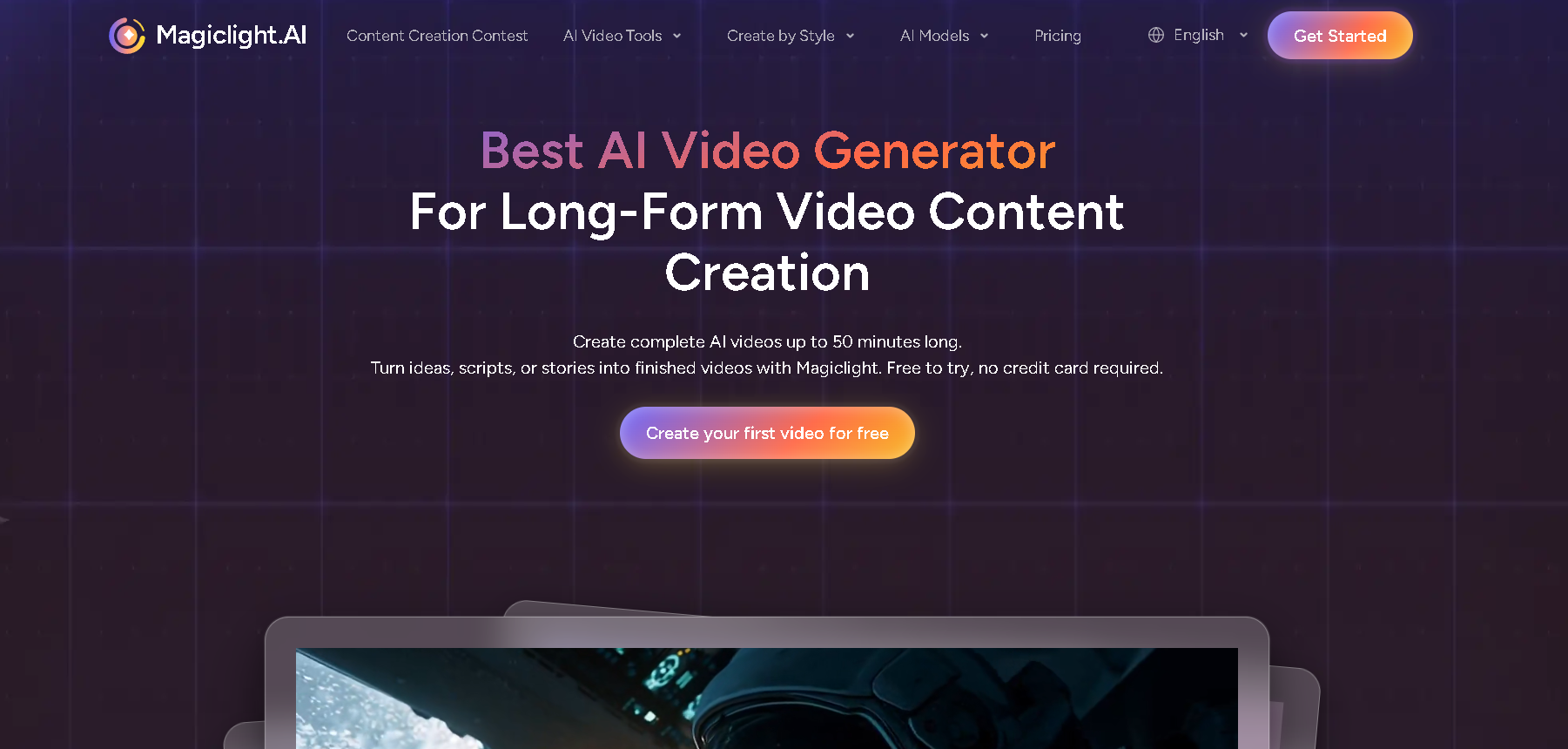
What is MagicLight?
Magic Light AI is a script-to-video tool that converts written text into professional, up to 30-minute-long animated videos.
Magic Light AI ensures character consistency in different scenes, converts script to storyboard with automated shot planning, and offers voiceovers in 10+ languages with emotion-aware narration.
Content creators, marketers, and filmmakers use Magic Light AI to create animated stories, marketing videos, and educational content without video production.
How Does it Work?
The user can enter their idea of a story/script. The AI will develop it into a script with dialogues and scenes. The user can choose their style of images and customize their characters. The image-to-video AI creates animated videos for each of the scenes. The AI offers an option of voice cloning in its video. The video can be previewed, recreated, and downloaded.
Key Features of MagicLight
-
Long-Form Video Creation
Make AI-generated videos up to 30 minutes in length to convey complete stories with complex narrative content.
-
Character Consistency
The character and its appearance will be consistent in all the scenes using the Character to Scene Binding feature.
-
Multiple Visual Styles
The ability to switch between different styles like New Chinese Animation, Cyberpunk, and Japanese styles in just one click.
-
Multilingual Voice Support
Create videos in more than 10 languages and have more than 30 emotional voice options to engage audiences.
-
Script Visualization
The ability to transform scripts into storyboards and animations with minimal human involvement.
-
AI Directing System
Make professional-level shot planning and directing of the camera happen automatically.
How to Use MagicLight?
- Log in to MagicLight.AI and select the option to create a new AI video. Input your text prompt/script idea. Choose video aspect ratio and visual style.
- The AI will generate scenes according to your input. Examine the video’s storyboard; you can reorder scenes and images according to your idea.
- Use “Edit Character” to choose your characters for your story. You can also create your own character.
- Add your voice-overs and background music. Use “Animate” to add motion effects to your scenes.
- Finally, examine your video’s cover, subtitles, and flow. Click “generate video” to render your video.
Who Can Use MagicLight?
- Content Creators & YouTubers : Create faceless videos, viral videos, and in-depth storytelling videos using voiceovers and captions.
- Authors & Storytellers : Create animations from stories and fiction.
- Educators & Trainers : Create animations from educational and training content.
- Marketers & Teams : Create explainer videos, ads, and social media videos.
- Beginners/Anyone : No expertise needed to create animations from basic text ideas.
- Contest Participants : Users aged 13+ from anywhere in the world can participate in special Magic Light AI content creation contests.
Pros & Cons
Pros:
- Easy to use for beginners
- No software to install
- Fast video generation
- Suitable for short social videos
- Free to test
Cons:
- Limited options for customization
- Quality is not suitable for professional videos
- The free version may have watermarks
- Internet speed is a prerequisite
- Not for long videos
Pricing & Plans
Free Plan
It costs $0/month. 1-minute video support, 3,000 character prompts, 10+ visual styles, watermark-free exports, and a general commercial license.
Standard Plan
It costs $12/month. 6,000 credits, access to Animate Pro, Hailuo AI, Kling AI, 1080p HD video support, trending templates, 1,000 images/day, 50-minute video support, 12,000 character prompts, 10+ visual styles, watermark-free exports, image regeneration, and a commercial license.
Plus Plan
It costs $26/month. 15,000 credits, all features of the standard plan, 3,000 images/day, and more credits at a lower cost.
Pro Plan
It costs $35/month. 35,000 credits, all features of the plus plan, unlimited image generation, 20% off premium AI tools, and the best credit rate.