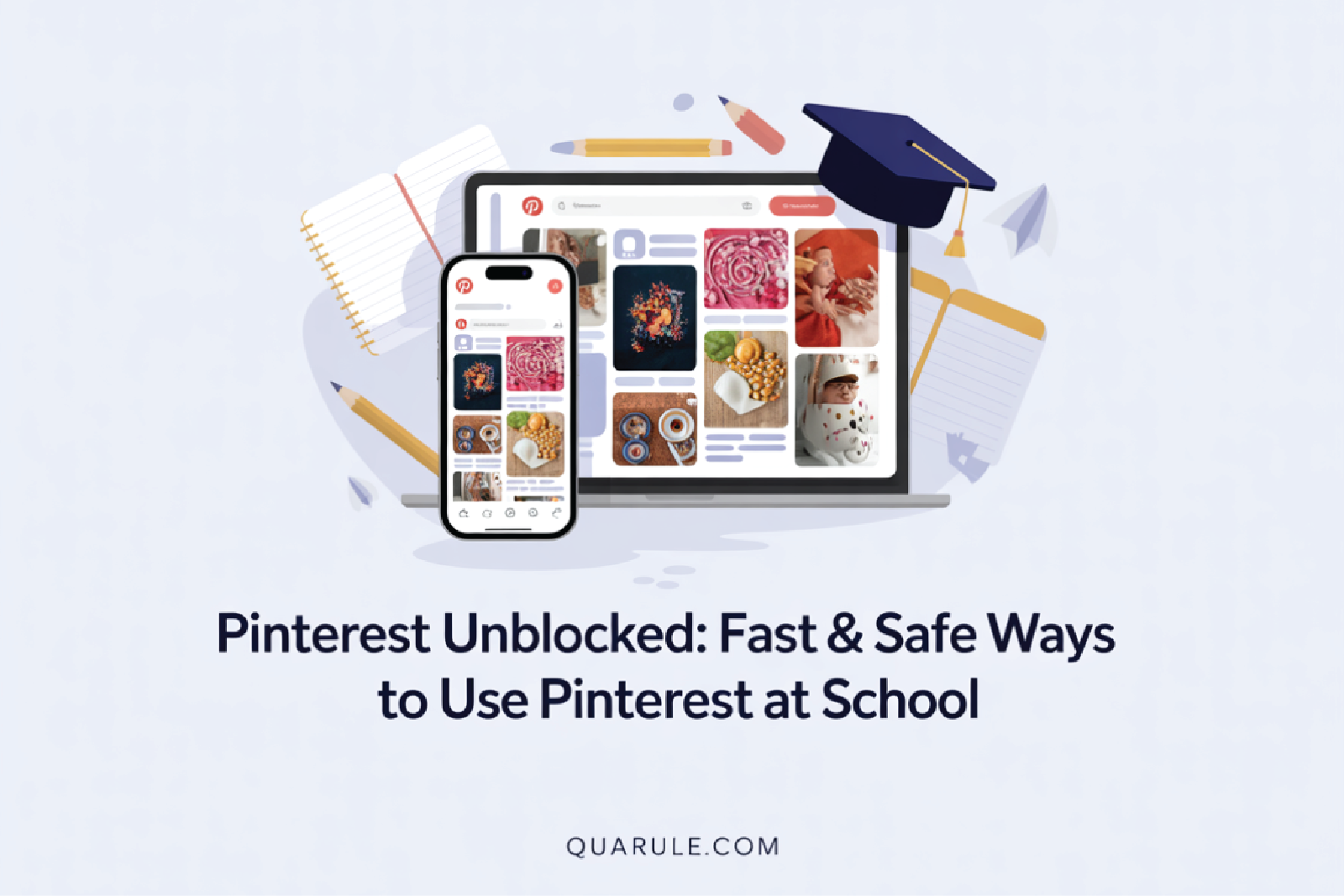
Pinterest has become a go-to learning tool for students, a visual search engine packed with ideas, research material, and creative examples. But when schools block it, students instantly lose access to one of the simplest tools for improving their assignments and projects.
Schools usually block Pinterest to protect devices, reduce bandwidth load, or prevent access to certain content. But the reality is this: students still need safe, guided access to the Pinterest unblocked website to support genuine learning and creativity.
In this guide, we will explore 5 secure methods to access Pinterest responsibly, along with safety tips and insights into why schools block it.

Why Schools Block Pinterest (And Why It Matters)
Before finding solutions, it’s important to know why these restrictions exist. Schools aren’t blocking Pinterest to trouble students; they’re following rules and dealing with practical issues like
The Legal Framework
The Children’s Internet Protection Act (CIPA) requires schools to filter potentially harmful content. Rather than monitoring individual pins or boards, schools take the easier route, blocking Pinterest entirely.
Pinterest has over 600 million monthly active users. Schools can’t monitor every post, which is why blocking becomes their default solution.
The Practical Concerns
Schools block social platforms like Pinterest for three main reasons:
- Bandwidth Management – Image-heavy platforms consume massive network resources. When hundreds of students share the same connection, schools prioritize educational applications over visual discovery platforms.
- Distraction Prevention – Pinterest’s endless scroll design is intentionally addictive. What might seem like a short five-minute search might inevitably develop into an hour of browsing through home decorations and recipes.
- Content Control – Pinterest contains user-generated content, and while most of it is safe, schools prefer to block it entirely to avoid any potential risks.
When you understand why these restrictions exist, you’re better able to use Pinterest unblocked responsibly. The intention should always be safe, educational access—not bypassing school regulations.
How School Blocking Systems Actually Work
School IT departments use sophisticated filtering systems. Knowing how they work helps you navigate around them safely.
Most Schools Employ Three Blocking Methods:
- DNS Blocking – Prevents your device from finding Pinterest’s IP address
- Browser-Based Blocking – Monitors and restricts content through browser settings
- Firewall Filtering – Creates a protective barrier between school networks and external websites
Modern schools use advanced firewalls called next-generation firewalls. These are not basic blockers. They are intelligent systems that can detect Pinterest by its features, not just by the website address. Because of this, finding a working Pinterest unblocked link is more complex than before.
With filters getting smarter, you need more innovative methods. Here are five approaches that really work.

What Are 5 Proven Methods to Access Pinterest Unblocked?
Let’s get practical. Here are five tested methods that work in 2025.
|
Method |
How It Works |
Best For |
Key Notes |
|
1. Web Proxy Services |
Connect through a proxy server instead of directly to Pinterest |
Beginners | Easy setup, but avoid logging in (weak security) |
|
2. Browser Extensions |
Use VPN/proxy extensions in your browser |
Chromebook users & convenience |
One-click access; install from extension store |
|
3. Mobile Hotspot |
Switch from school WiFi to phone hotspot |
Reliability |
Bypasses school network; watch data usage (3–5 MB/min) |
|
4. Google Sites Mirror |
Access Pinterest via embedded/mirror sites on Google Sites |
Clever workaround |
Schools often whitelist Google Sites; mirrors may expire |
|
5. VPN Services |
Encrypt traffic and route through secure servers | Comprehensive solution |
Strong security; best long-term option (ExpressVPN, NordVPN, etc.) |
With the motives of such prohibitions explained, we are going to discuss how these blocking systems work. To use Pinterest via a virtual private network, you will have to buy an efficient VPN service, install it, and log in to your account. Choose a suitable location for the server and turn on the connection.
After connecting, Pinterest unblocked free website is supposed to open. VPNs have the strongest privacy protection as they conceal the use of the internet and protect personal information better than other potential ways. They, therefore, form a wise option among the students who need privacy in browsing.
Sometimes connections fail, or sites don’t open as expected. Here’s how to handle common problems.

What’s the Best Way to Troubleshoot Common Issues?
Even with these methods, you might encounter problems. Here’s how to fix them:
Problem: The Method suddenly stops working
- Clear your browser cache and cookies
- Switch to a different server location (for VPNs)
- Try an alternative proxy service
- Restart your browser or device
Problem: Extremely slow loading times
- Choose servers geographically closer to you
- Access Pinterest during off-peak school hours
- Use Pinterest’s mobile website for faster loading
Problem: Inconsistent access
- Schools regularly update blocking systems
- Keep multiple methods ready as backups
- Stay informed about new Pinterest unblocked link options
Fixing technical issues is essential, but safety matters as much when accessing Pinterest at school.
What’s the Best Way to Use Pinterest Unblocked Website Safely at School?
Accessing blocked content comes with responsibilities.
Know Your School’s Policies
Review your school’s acceptable use policy before attempting any workaround. Some schools impose serious consequences for bypassing network restrictions. Others may provide legitimate exceptions for coursework.
When in doubt, speak with IT staff. They might grant temporary access for specific projects.
Prioritize Privacy and Security
Safety guidelines:
- Never enter sensitive information through free proxy servers
- Choose reputable VPN services that don’t log your data
- Remember that schools can monitor network activity
- Use strong, unique passwords for your accounts
Recent data privacy reports emphasize that students should be conscientious about sharing personal information when using third-party services.
Use Pinterest for Educational Purposes
Focus your Pinterest unblocked access on legitimate academic needs:
- Research for presentations and projects
- Design inspiration for art assignments
- Visual aids for study materials
- Creative ideas for school events
Avoid using shortcuts on informal surfing during the teaching hours. Be aware of the bandwidth limitations of the school and what your teacher wants you to do.
What Alternative Solutions Can You Try When Nothing Else Works?
If traditional methods fail, consider these creative alternatives:
- Pinterest-Like Platforms – Try “We Heart It” or similar visual discovery apps that might not be blocked on your school network.
- Email Integration – Set up Pinterest email digests to send content directly to your school email. This bypasses web filtering entirely.
- Offline Pinterest – Use Pinterest’s save feature on your phone at home, then browse saved content offline at school.
- Request Temporary Access – For major projects, ask your teacher to request temporary Pinterest access from the IT staff.
With a bit of creativity, students can continue finding design resources and project support without interruption.
Get Smart and Responsible Access
Accessing Pinterest at school doesn’t have to be risky or complicated. With options like web proxies, browser extensions, mobile hotspots, Google Sites mirrors, and VPNs, students have multiple safe ways to reach the unblocked Pinterest website when needed. Each method works differently, and the key is choosing the one that fits your situation and using it responsibly.
Remember, the goal of these tools isn’t to avoid school rules or browse for entertainment. They’re meant to support research, creativity, and academic projects. When used correctly, Pinterest can significantly improve the quality of your assignments by giving you quick access to fresh ideas and visual inspiration.
As technology continues to evolve, stay informed, prioritize safe solutions, and treat Pinterest as a powerful study resource. The spark for your next great project or presentation is only a few clicks away.
FAQs
Pinterest Unblocked Free refers to using free tools like web proxies or Google Sites mirrors to access Pinterest at school. These options let students use Pinterest for learning without paying for premium services.
A Pinterest unblocked link is a special web address designed to bypass school filters. It lets students open Pinterest directly and safely while staying within basic school guidelines.
You can unblock Pinterest at school by installing a trusted VPN app, connecting to a secure server, and then opening Pinterest. The VPN hides your location so school restrictions can’t block the site.
Blocked websites can be accessed using a VPN. It masks your IP address and encrypts your internet traffic, helping you get around school or network filters.
Using a VPN is legal in most countries. However, using it for illegal activities like downloading copyrighted content, is not. Always use VPNs responsibly and for educational purposes only.


