
Turning a brilliant idea into a functional app used to feel like a distant dream for many entrepreneurs. The path was often blocked by a major hurdle: coding. Learning to code takes time and money, resources that are precious when you’re trying to get a business off the ground.
Thankfully, the game has changed. AI app builders are here, making it possible for anyone to create an app just by describing what they want. These tools are breaking down barriers and opening up a world of possibilities for creators and business owners. You bring the vision; they handle the technical stuff.
This guide will walk you through how these text-to-app builders work and what to look for when choosing one. We’ll dive into the top six platforms available today, so you can find the perfect fit to bring your big idea to life.
How Do AI App Builders Work, Exactly?
It might sound like magic, but there’s some smart technology working behind the scenes. These platforms use something called natural language processing (NLP), which is a field of AI that helps computers understand human language. When you type a prompt like, “Create an app for my bakery with a menu, online ordering, and a loyalty program,” the AI gets to work. It analyzes your words, identifies the key features you need, and starts generating the app’s structure, user interface, and database connections. In minutes, you can have a working prototype ready for you to customize. It’s important to remember that while these tools, like an AI app builder no code, are powerful, they have their limits. They are fantastic for creating straightforward apps, but very complex or niche ideas might still require a more traditional approach.
What to Look For in an AI App Builder
With several options out there, it helps to know what makes a platform great. Here are the criteria we used to evaluate the builders in this guide.
- Ease of Use: How intuitive is the platform? Can it accurately understand your text prompts without much guesswork?
- App Complexity: Can it build more than just a simple one-page app? We looked for platforms that can handle features like user accounts, payments, and databases.
- Customization: How much control do you have over the final look and feel? The best tools let you tweak the design to match your brand perfectly.
- Pricing: Does the platform offer good value? We examined free plans, trial periods, and paid tiers to see what you get for your money.
- Platform Support: Can you build an app that works on the web, on mobile devices, or both?
- Integrations: How well does it play with other tools? The ability to connect to services like payment gateways or marketing platforms is a huge plus.
The 6 Best AI App Builders
1. Bubble
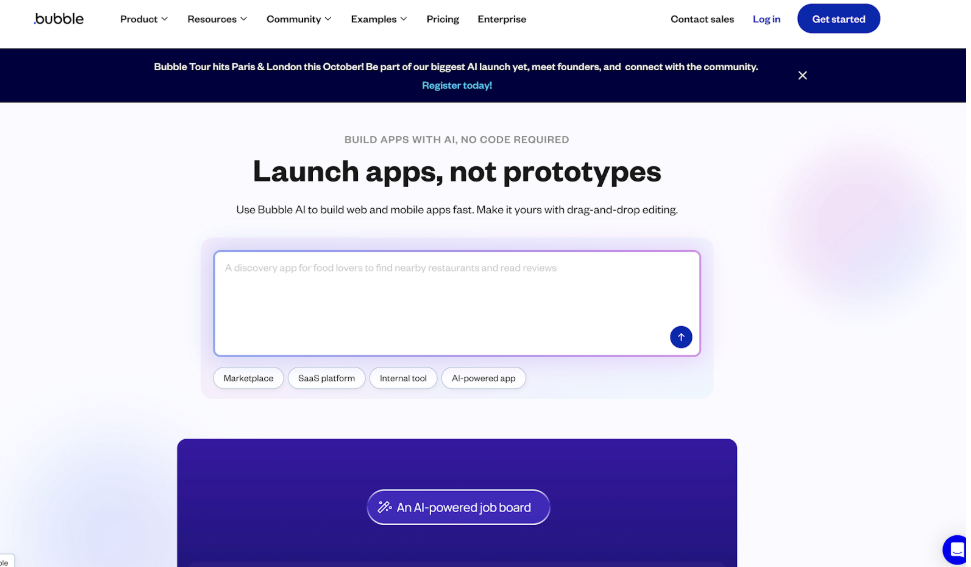
Bubble is a powerhouse in the no-code world. It offers deep functionality and gives you granular control over every aspect of your app. While it has a text-to-app feature to get you started, its real strength lies in its visual development editor.
- Key Features: Bubble’s visual editor lets you design complex workflows and logic without code. It offers full design freedom, a vast plugin marketplace, and the ability to connect to almost any API.
- Prompt Example: “Create a two-sided marketplace for freelance writers and clients with user profiles, project bidding, and a messaging system.”
- Pricing: Includes a free plan with limitations. Paid plans scale based on server capacity and features.
- Pros: Unmatched flexibility and power, huge community, and extensive plugin library.
- Cons: Has a significant learning curve and can be more time-consuming than simpler builders.
- Best For: Startups and founders building custom web applications who are willing to invest time in learning the platform.
2. Base44
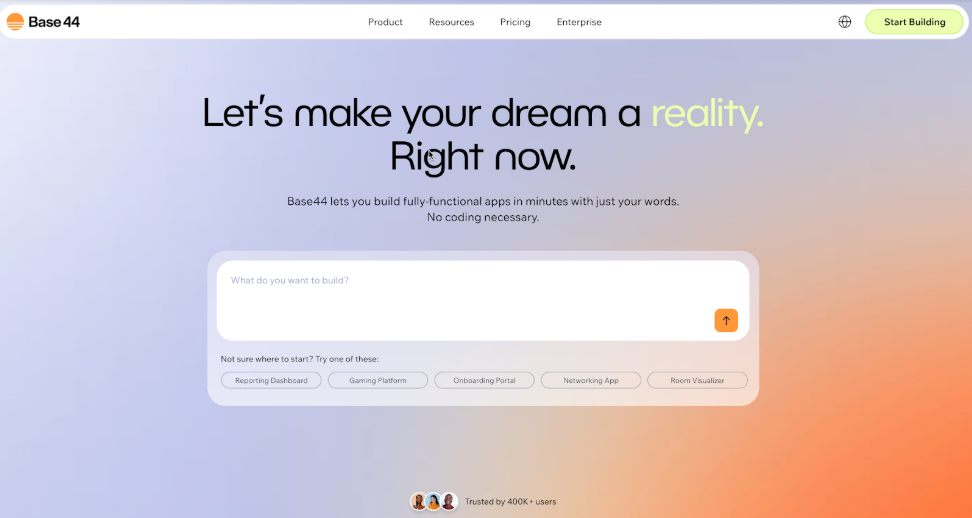
Recently joining forces with Wix, Base44 is making a name for itself with its incredibly intuitive approach. It’s designed to get you from idea to app in record time, making it a favorite for entrepreneurs who want to move fast.
- Key Features: Base44’s standout feature is its natural language interface. You literally describe your app, and it builds it. It automates coding, UI design, and backend setup, and its connection with Wix provides a reliable and scalable foundation.
- Prompt Example: “Build a fitness coaching app where clients can book sessions, track their progress with charts, and message me directly.”
- Pricing: Offers various tiers, including a free plan to get you started, with paid plans unlocking more advanced features and capacity.
- Pros: Extremely easy to use, fast development, and strong scalability.
- Cons: As a newer platform, its feature set is still growing compared to more established players.
- Best For: Small business owners and entrepreneurs who need a professional, functional app without a steep learning curve.
3. Bolt
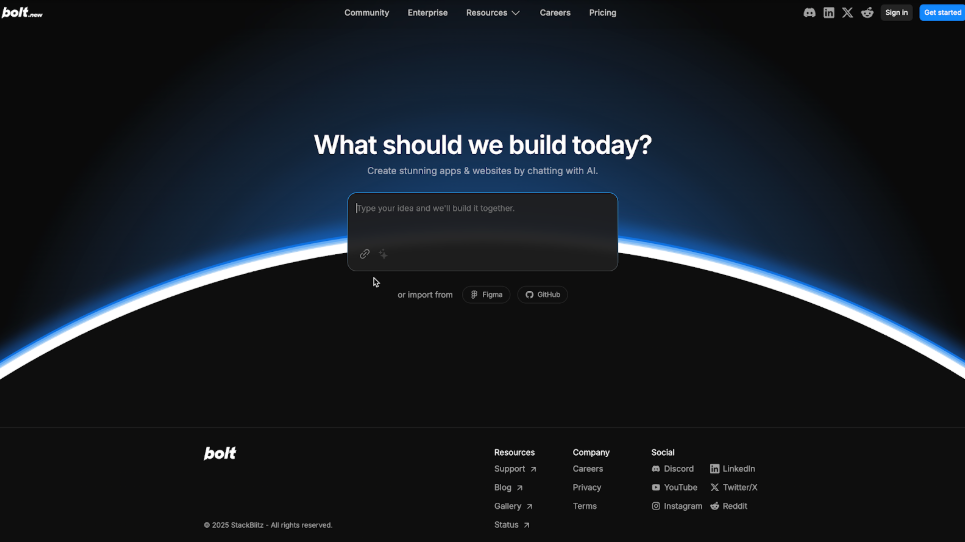
Bolt is designed for speed and simplicity, aiming to help users launch mobile apps quickly. It focuses on clean, user-friendly interfaces and provides a straightforward building experience.
- Key Features: Bolt’s strength is its component-based system and pre-built templates that you can customize. It’s optimized for mobile app creation, making it easy to build apps for iOS and Android.
- Prompt Example: “Design a simple event management app with a calendar view, attendee registration, and ticket generation.”
- Pricing: Typically offers a tiered pricing model, including a free trial or entry-level plan.
- Pros: Very fast for building mobile apps, intuitive interface.
- Cons: Less flexible for highly custom or complex web applications.
- Best For: Individuals or businesses focused on creating mobile-first experiences, like event apps or simple e-commerce stores.
4. Buildfire
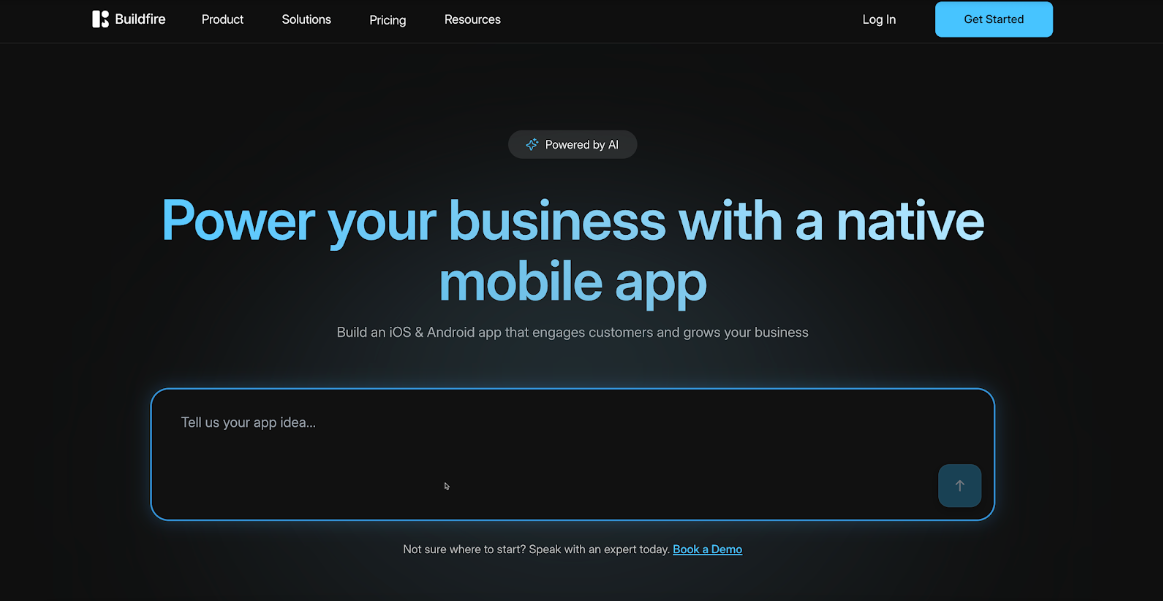
BuildFire is a robust platform that has been around for a while, offering a reliable solution for creating powerful apps. It combines an easy-to-use builder with the option for custom development.
- Key Features: BuildFire has a large library of pre-built features (plugins) for things like loyalty programs, social networking, and online learning. Its AI assistant helps you select the right plugins based on your description.
- Prompt Example: “I need a restaurant app with a menu, table reservations, online ordering, and a customer loyalty program.”
- Pricing: Geared more towards businesses, with pricing plans that reflect its enterprise-ready capabilities.
- Pros: Highly scalable, extensive feature library, and excellent support.
- Cons: Can be more expensive than other options and might be overkill for very simple projects.
- Best For: Established businesses that need a feature-rich app and want a platform that can grow with them.
5. create.xyz
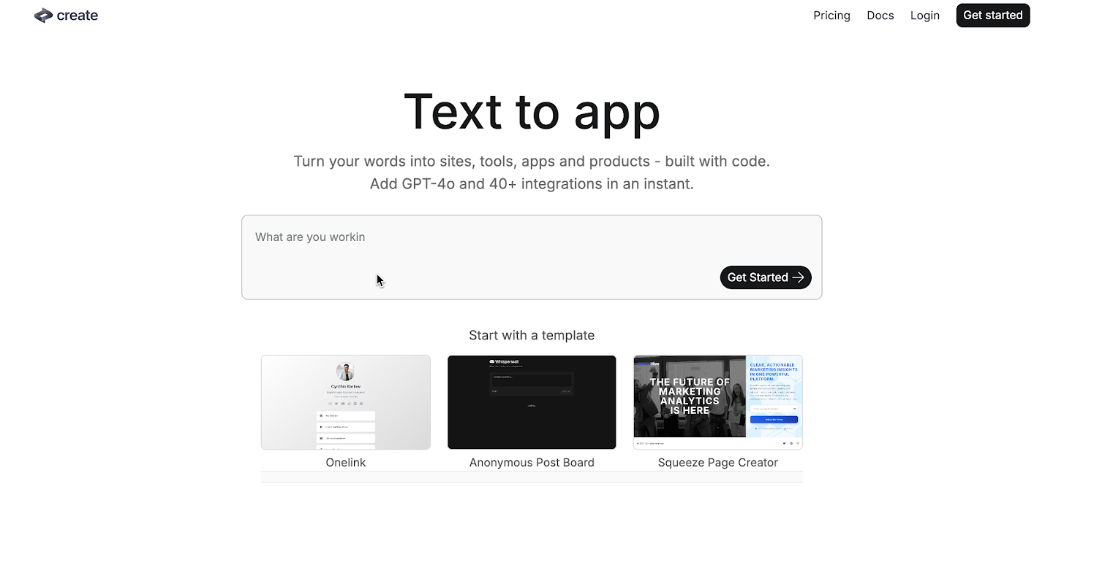
create.xyz is a newer player that is pushing the boundaries of what AI can do in app development. It focuses on generating code that you can own and edit, blending the lines between no-code and traditional development.
- Key Features: The platform generates React code based on your prompts, giving you a professional codebase from the start. You can then edit the app visually or directly in the code.
- Prompt Example: “Generate a portfolio website for a graphic designer with a project gallery, contact form, and a blog section.”
- Pricing: Often uses a credit-based system or subscription model, with free credits to start.
- Pros: Produces clean, exportable code; offers great flexibility for developers.
- Cons: May be too technical for users who want to avoid code entirely.
- Best For: Tech-savvy entrepreneurs and developers who want to speed up their workflow but still want control over the code.
6. Glide
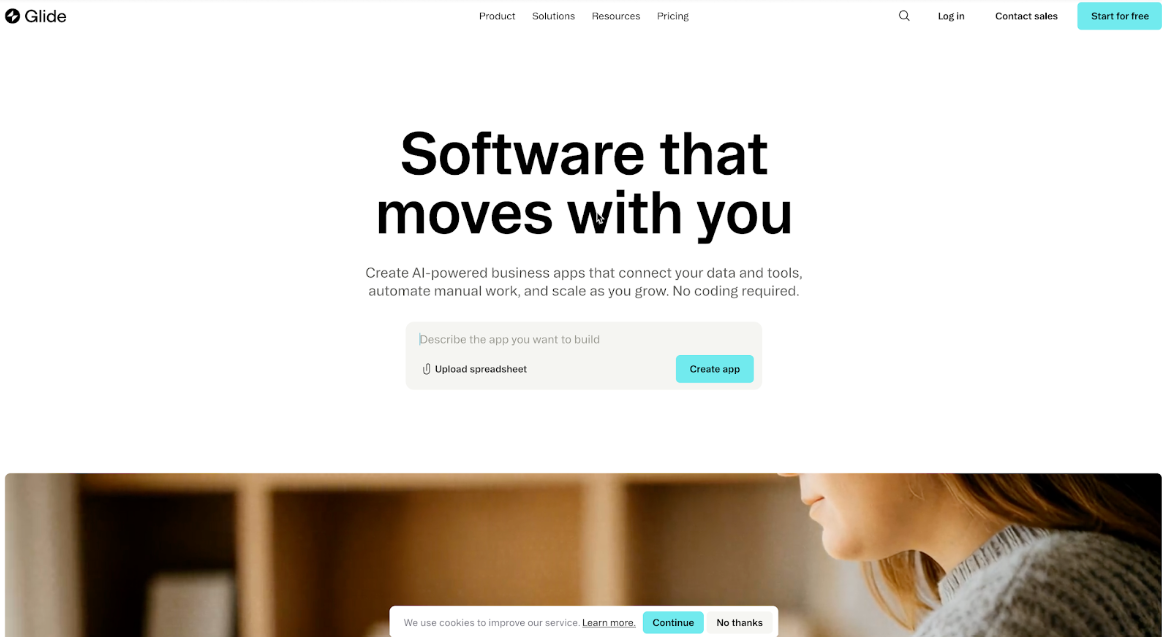
Glide has a unique approach: it helps you create beautiful, functional apps from data you already have in a Google Sheet, Excel, or Airtable. It’s incredibly fast for building data-driven applications.
- Key Features: Glide’s magic is its ability to turn a spreadsheet into a working app in minutes. It has an intuitive visual editor and offers a range of templates for common use cases.
- Prompt Example: While not strictly prompt-based, you’d start by saying, “I want to build an employee directory app from this Google Sheet,” and Glide guides you through the process.
- Pricing: Has a generous free plan, with paid plans offering more data rows, users, and customization options.
- Pros: Incredibly fast and easy for data-driven apps, very affordable.
- Cons: Limited to the structure of your data source; not ideal for apps that require complex logic.
- Best For: Building internal tools, simple directories, event guides, or inventory trackers quickly and affordably.
7. Choicely Mobile App SDK
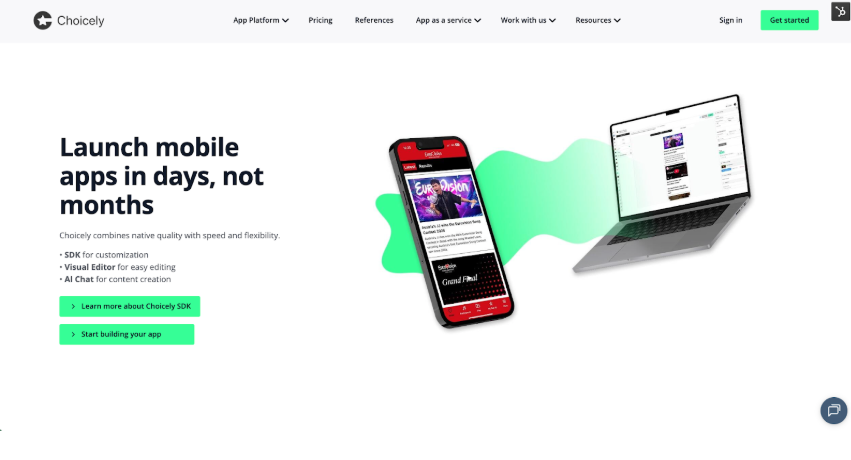
Choicely is a Mobile App Platform that allows users to build apps using three methods: Mobile SDK, Visual Editor, and AI Chat. The Visual Editor and AI enable the creation of fully native iOS and Android apps without coding. Developers can utilize the Choicely SDK to turn platform features into fully customizable components. The SDK can be used for building entire native iOS & Android apps from scratch or for adding modular features to an existing app.
The platform has been used by various organizations, including the Eurovision Song Contest, ITV Studios, and Arsenal Fan TV.
- Key Features: Allows users to build a full native iOS and Android app or add specific Choicely modules to an existing app.Utilizes a visual drag-and-drop editor. Includes real-time updates for instant app releases, which skips the traditional app store review cycle. Provides native performance by generating code using Swift (iOS) and Java (Android).
- Pros: Generates native iOS & Android apps and code in a single process. Features an easy-to-use SDK and visual editor. Includes a real-time app update feature. Offers open integration APIs. Provides reliable scaling: proven performance in apps with millions of simultaneous app users. Is ideal for content-heavy apps for industries such as media, sports, and entertainment.
- Cons: Choicely is consumer-oriented and focused on apps that include rich content, engagement, and monetization features. It is not intended for complex enterprise workflows. While it creates web widgets, it does not create full web apps.
- Best For: Customers seeking fast, fully native app deployment. Customers who want to combine no-code speed with native quality and the option to customize apps using the SDK. Creating apps that emphasize rich content, engagement, and monetization features, particularly for media, sports, and entertainment brands.
- Pricing: Free tier: Users can build apps quickly and test them immediately on mobile devices. This tier allows users to develop their prototype into a publish-ready app. Users can publish an app for free and only begin paying when their app usage grows beyond 50 users/month.
- Premium: Starts at €16/month for up to 100 monthly active users. €2499 a month with up to 100,000 users.
Comparison at a Glance
|
Platform |
Best For | Ease of Use | Customization | Pricing Model |
| Bubble | Complex Web Apps | ⭐⭐⭐ | ⭐⭐⭐⭐⭐ |
Freemium |
| Entrepreneurs & SMBs | ⭐⭐⭐⭐⭐ | ⭐⭐⭐⭐ | Freemium | |
| Bolt | Simple Mobile Apps | ⭐⭐⭐⭐ | ⭐⭐⭐ |
Subscription |
| Feature-Rich Business Apps | ⭐⭐⭐⭐ | ⭐⭐⭐⭐ | Premium | |
| create.xyz | Tech-Savvy Builders | ⭐⭐⭐ | ⭐⭐⭐⭐⭐ |
Subscription/Credits |
| Data-Driven Internal Tools | ⭐⭐⭐⭐⭐ | ⭐⭐⭐ |
Freemium |
Tips for Getting Great Results
- Be Clear and Specific: The more detailed your prompt, the better the AI will understand your vision. Instead of “make a sales app,” try “make a sales CRM app where reps can track leads, log calls, and view their sales pipeline.”
- Start Simple: Begin with the core function of your app. You can always add more features later. This helps you test your main idea quickly.
- Iterate and Refine: Your first-generation app is just a starting point. Use the platform’s editor to tweak the design, add your branding, and refine the user experience.
The Future is Prompt-Driven
AI app building is just getting started. We can expect these platforms to become even more intelligent, capable of handling more complex requests and offering deeper customization. This trend will continue to empower more people to build their own software, turning creativity into reality without the barrier of code.
Ready to Build Your App?
Choosing the right AI app builder comes down to your specific needs. If you want speed and ease of use, a platform like Base44 or Glide is a fantastic choice. If you have a complex vision and enjoy tinkering, Bubble gives you unparalleled power.
The best way to find your perfect match is to try them out. Most of these platforms offer free plans or trials. Play around, test your ideas, and see which one feels right for you. Your next great app is just a simple text prompt away.


